Meeting alerts
Get reminded before meetings and when calls start.
Overview
Meeting alerts let you choose when Lungoor Notes reminds you about your meetings. To open it, go to Settings and click Meeting alerts under Meetings.
There are two kinds of alerts:
- Scheduled meetings - reminders for events on your connected calendars
- Detected calls - alerts when a call starts, even if it isn't on your calendar
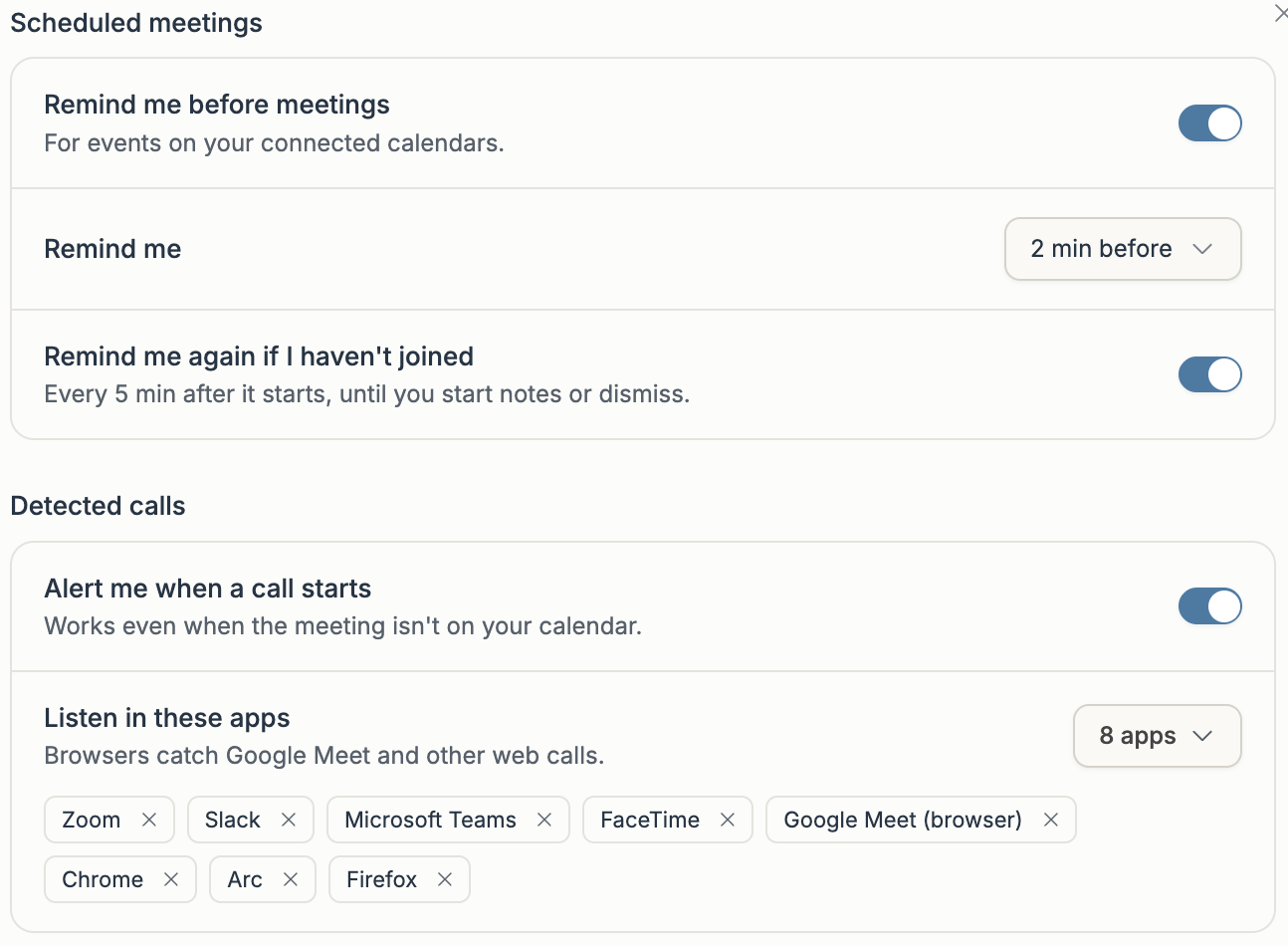
Scheduled Meetings
Remind me before meetings
Turn this on to get reminders for events on your connected calendars.
Remind me
Choose how early you want your reminder:
- 2 min before
- 5 min before
- 10 min before
Remind me again if I haven't joined
Turn this on and Lungoor reminds you every 5 minutes after the meeting starts, until you start notes or dismiss the reminder. Turn it off if you only want one reminder.
Detected Calls
Alert me when a call starts
Turn this on to get an alert when a call starts. It works even when the meeting isn't on your calendar.
Listen in these apps
Choose which apps Lungoor listens to for calls - for example:
- Zoom
- Slack
- Microsoft Teams
- FaceTime
- Google Meet (browser)
- Chrome
- Arc
- Firefox
Browsers catch Google Meet and other web calls.
- To stop listening in an app, click the x next to its name
- To add an app back, click the apps menu on the right - for example, 8 apps - and pick it from the list
Tips
- Keep Alert me when a call starts on, so you get alerted even for calls that aren't on your calendar
- Remove apps you don't use for calls, so you only get alerts from the ones you do
- Turn off Remind me again if I haven't joined if you only want one reminder per meeting